Website Marketing Inspector
Free
v1.0.0
19.6 KB zip
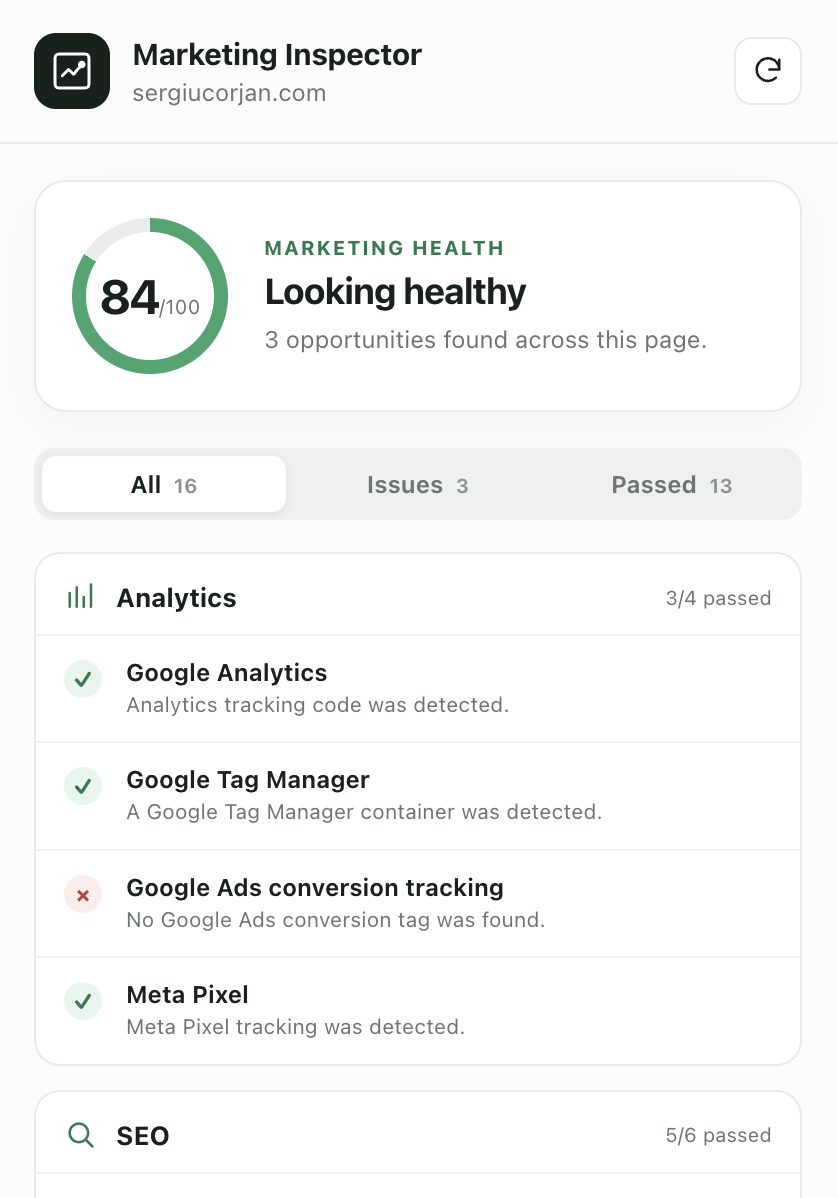
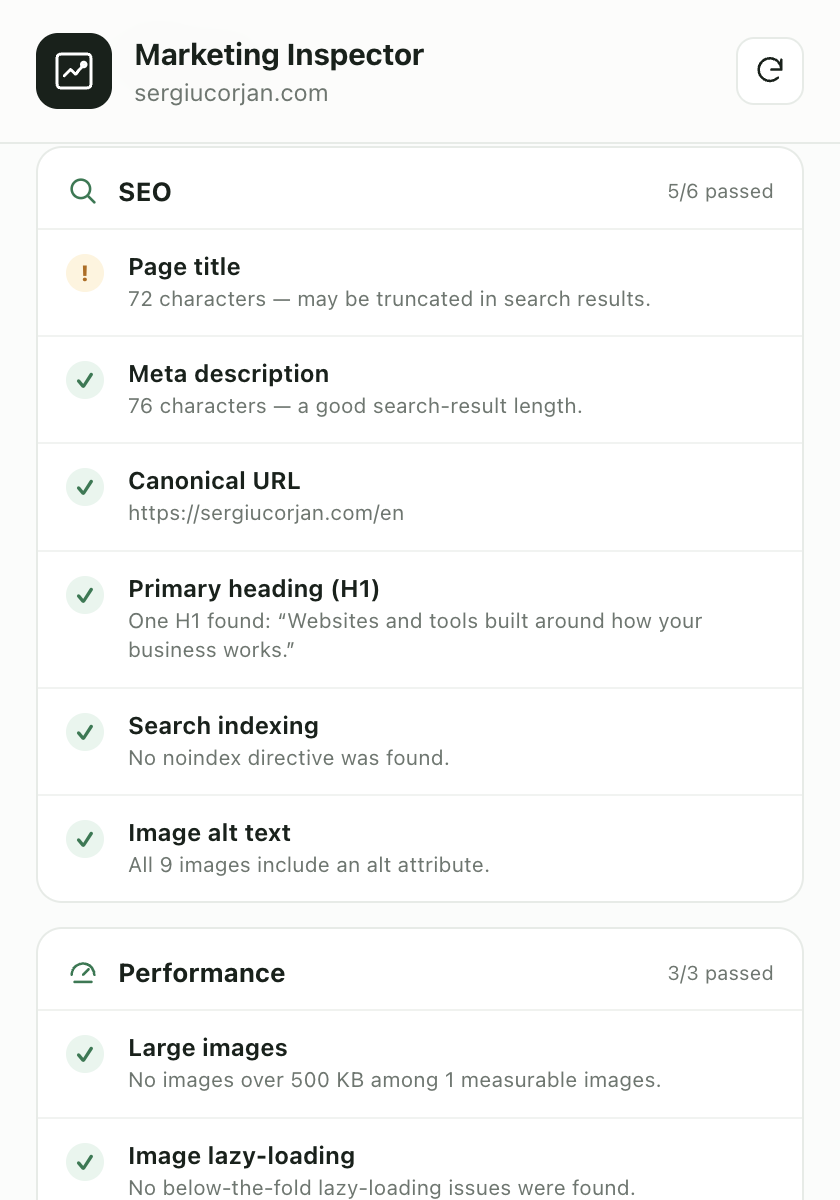
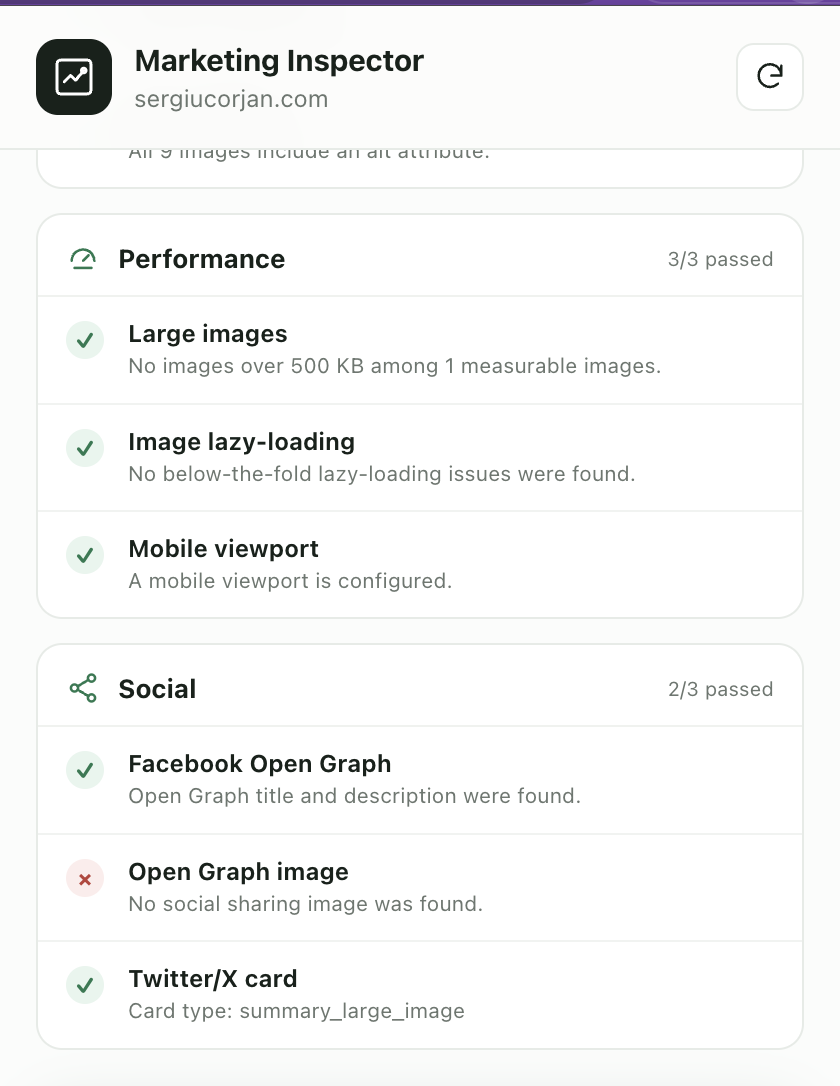
Audits any page for analytics, SEO, performance and social tags.
Checks the page you are on for Google Analytics, Tag Manager, Google Ads and Meta Pixel, then walks through title, meta description, canonical, H1, indexing, alt text, oversized images, lazy loading, viewport, Open Graph and Twitter cards. Ends with an overall marketing health score and a print-ready report you can save as a PDF.
14 downloads
Installing it
- 1 Download the zip and unpack it somewhere you will not delete by accident.
- 2 Open chrome://extensions in Chrome.
- 3 Turn on Developer mode, top right.
- 4 Click Load unpacked and choose the unpacked folder.
- 5 Pin the extension, then open the page you want to look at.
Everything runs in your browser. The code is in the zip, so read it before you trust it.
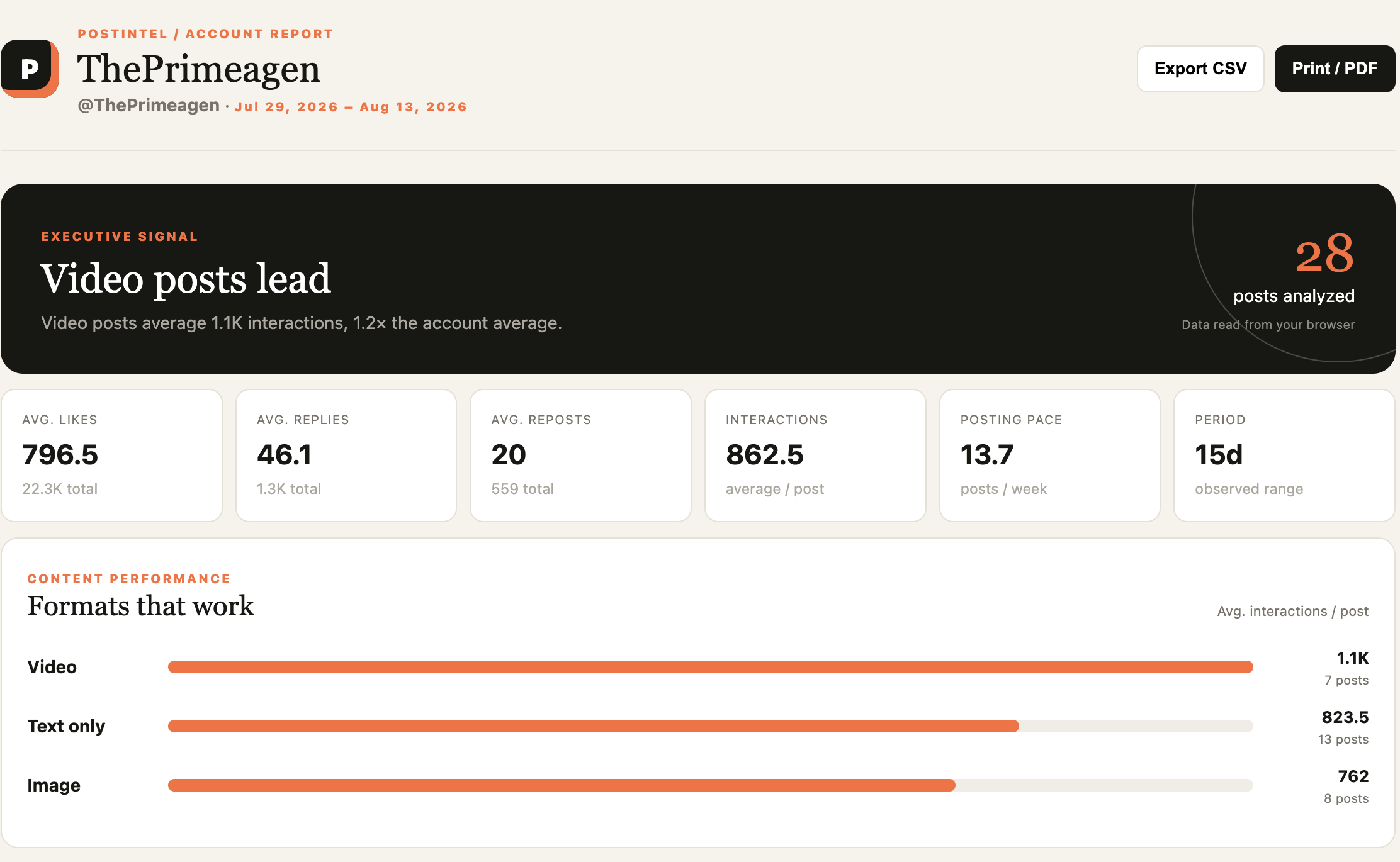
What it looks like